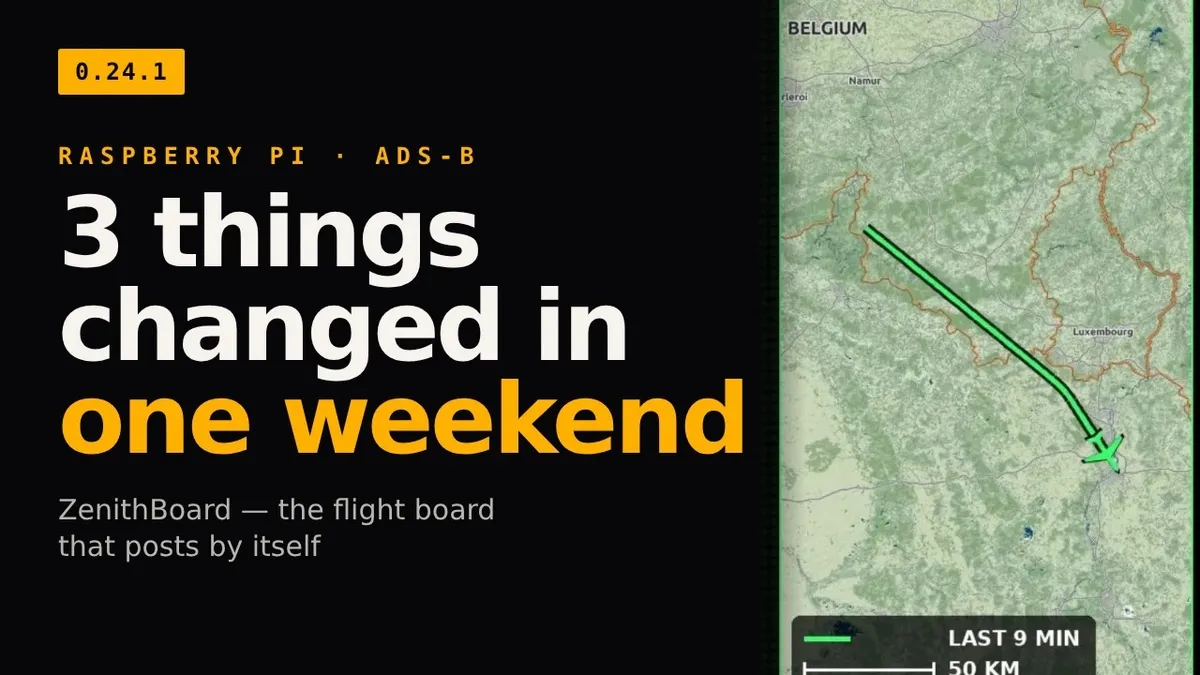
Three things changed in ZenithBoard over one weekend, which took the project from version 0.20 to 0.24.4: one Bluesky post per crossing of the radius, a real map on every post, and counters for what the wall could not name or draw. This first article is about the flight board that now posts by itself, every crossing.
As with everything in this project, I did not write the code: I wrote the rules, read the result on a phone, and accepted or sent it back. An AI coding agent wrote the program, the tests and the release notes.
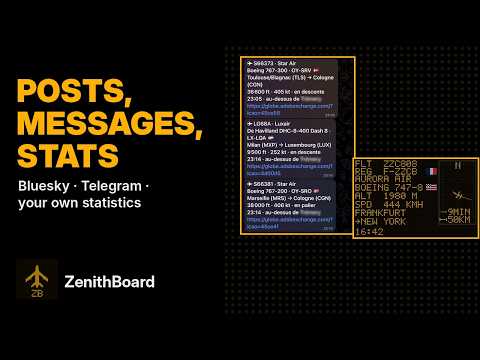
What ZenithBoard shares today, in video (the video of that weekend was retired with the project’s move to its own channel):
 YouTube videoWatch on YouTube
From a wall to a feed
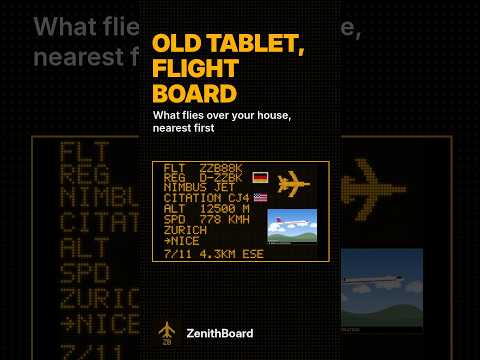
ZenithBoard started as a wall: an old tablet, a Raspberry Pi and a radio dongle showing, like an airport departure board, the aircraft flying over my house. The catch is that you have to be in the room to see it.
The wall in a 30-second Short:
 YouTube ShortWatch the Short on YouTube
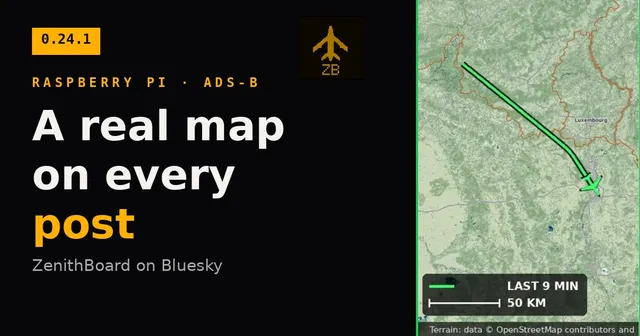
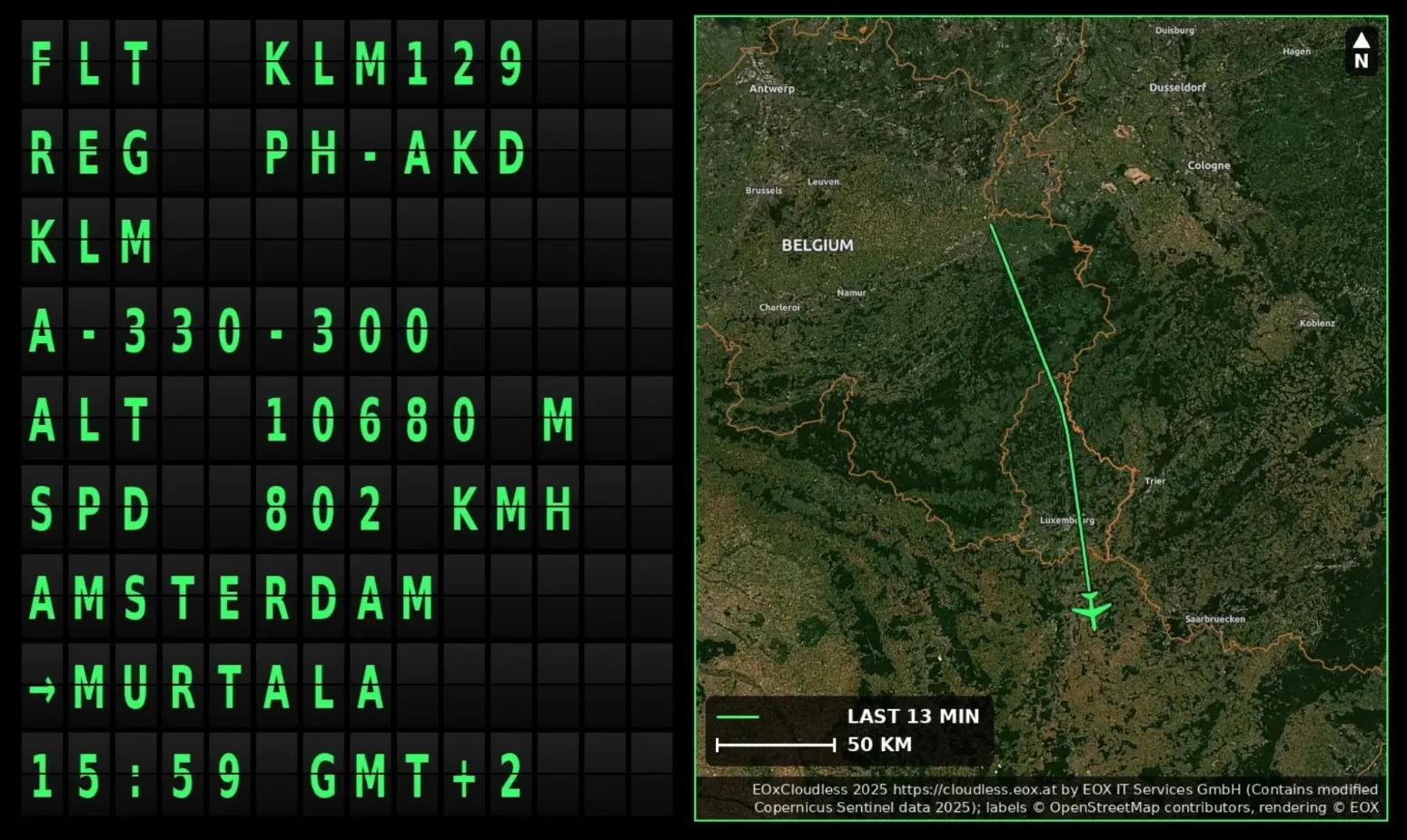
Since that weekend the same Pi also publishes what it sees, as @zenithboard.bsky.social on Bluesky. A post is a one-line text (Flight KLM #KLM129 · Airbus A330-300 · Amsterdam Airport Schiphol → Murtala Muhammed International Airport · altitude 10 680 m) and a picture of the wall as it is at that moment. The picture also carries a map, which became a small project of its own and has its own article. This one is about the posting: when the Pi posts, what it says about itself, and what it runs on.
Every crossing, once
The first version, on the Saturday, posted only the aircraft “worth a post”: a military tanker, a helicopter, a type not seen in a month. It then posted nothing for an hour while the test command kept finding candidates, and I spent the afternoon reading the Pi’s own log. That evening I wrote the rule down in one sentence, and since version 0.20.0 the Pi follows it to the letter: every aircraft that crosses the sharing radius (10 km on my Pi) is posted once per crossing, and nothing caps the feed.
- A crossing starts when an aircraft comes inside the radius and ends when it has been outside for an hour. Circling, or leaving and coming back five minutes later, is still one post.
- The same airframe back after that is posted again: the return flight, the next day’s.
- An aircraft that left the radius before its turn is still posted, up to ten minutes later.
- A post waits for the aircraft’s details. A few early posts went out with empty rows; it now waits, two minutes at most, so the board is never half empty.
One consequence I had not thought of: the first version signed in to Bluesky for every post, and Bluesky allows an account 300 sign-ins a day, which a busy day of crossings could pass. The session is now kept in memory and renewed. A rule written in one sentence makes that kind of thing visible before it becomes an incident.
The feed is simply what crosses the sky. On the Sunday afternoon the Pi reported 140 posts in the last day.
A bot that says it is one
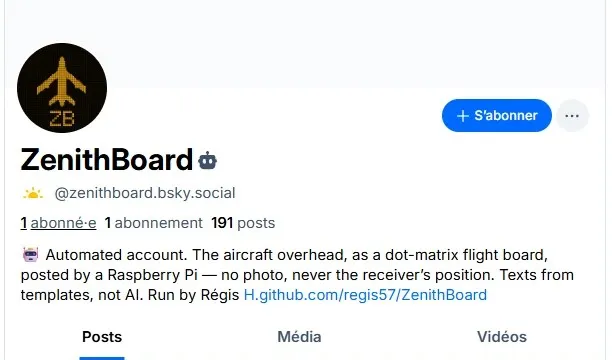
An account that posts a hundred times a day without a human behind each post owes its readers some honesty. Three rules, decided before the first post:
- It says what it is. The account carries Bluesky’s automation label, and the bio says in plain words that the texts come from templates, not from AI. Nobody should mistake it for a person, or for a generated commentary.
- The text sticks to the aircraft: the flight, the model, the route and the altitude, from templates.
- No borrowed photos. The wall shows real aircraft photos from Planespotters.net, but their terms do not allow re-hosting them, so the posts do not carry them. A supplier’s terms are part of the requirement.
Why Bluesky and nothing else
X charges per post. Threads and Instagram fetch the picture from a public address, which would mean exposing the Pi to the internet. Mastodon came out two releases after the first version. Bluesky accepts the picture directly, costs nothing, and its API is open. The Pi never holds my real password, only an app password made for this one program, which I can revoke without changing anything else.
Telegram came later, on 30 October, for a different job: text messages to my own chat, never public. The same crossings can go there, and so can the emergency squawks the antenna hears anywhere in range, which are never posted to Bluesky.
On a Raspberry Pi 3B with 1 GB
The whole thing runs on a Raspberry Pi 3B with 1 GB: the receiver, three feeders, the wall and the posting. A Pi 4 was waiting in a drawer, and on the Saturday evening the question was whether to move the card. I measured first, after seven and a half hours up: 656 MB of the 1 GB still available, 36 °C, no throttling. What decides how far you hear is the antenna, not the processor. The Pi 4 stayed in its drawer, and the hardware table in the README, which until then said estimates, not yet measured, now starts from those figures.
Where the record is kept
Two days produced a long list of small releases. Three pages carry the record:
- the changelog, one entry per version: the release notes;
- the Project status page, which separates what has been proven on a real Pi from what has only been written and unit-tested, with a field log of what the Pi outside did and when;
- the roadmap, which promises an order rather than dates and ends with a table headed Not planned, and why.
Since that weekend
ZenithBoard has moved on since, to version 0.99.7 as I update this page, the release candidate for 1.0. Which aircraft deserve a post is now a set of rules you choose: military aircraft, helicopters, heavy aircraft, rare types, the farthest of the month, or simply every crossing, still one post per crossing. The words come in several styles, or in your own templates, and in the language you choose. An optional last line links to the aircraft’s photo page on Planespotters, with the photographer named. And summaries of the day, the week and the month go out at the time you pick: the aircraft heard, the busiest hour, the airlines and models most seen, then the cargo and business jets, the military aircraft by country and general aviation.
Try it
Social sharing is off by default. On a ZenithBoard Pi:
sudo zenithboard social setup    # the account, the words, the picture
sudo zenithboard social test     # draws the picture, posts nothing
sudo zenithboard social on       # from now on, under your rules
ZenithBoard’s front door is zenithboard.app. Everything is in the Social sharing page of the wiki, and the code is on GitHub (GPL-3.0).
Next in this series: a real map on every post, then counting what the wall cannot name or draw.
Theme: ZenithBoard. Topics: ZenithBoard, ADS-B, Raspberry Pi, Bluesky.